Build your own AI automation — no code
A visual builder where you assemble a scenario like a diagram: a trigger, a condition with “if yes / if no” branches and an action — up to launching an AI agent. That is how the team’s routine gets automated. Choose from six ready-made AI employee roles; how many work at once depends on the plan: 1 on Start, 3 on Business, by contract on Enterprise.
The builder is on every plan · live from 2 hours
What are AI agents for business?
Zukko.AI is an AI agent platform for business. An AI employee (AI agent) answers customers on Instagram and Telegram, and by phone on the Enterprise plan, and runs deals in the CRM. You choose from six ready-made roles, and in the visual “trigger → condition → action” builder you assemble scenarios of your own, without code. Rules move leads, deals, messages and calls on their own, and an AI agent inside a scenario replies and decides based on the condition.
- Automates the team’s routine — no code
- An action can launch an AI agent
- Six ready-made roles, AI employees by plan: 1, 3 or by contract
Ready-made agents are never enough
Rigid bots answer from a script, and a boxed set of a few agents doesn’t cover your processes. The routine stays on people.
A fixed set of agents — not enough for your process.
A bot answers from a script and won’t decide by condition.
The routine — tags, tasks, escalations — is done by hand.
Trigger, condition, action — with AI inside
Assemble a scenario like a diagram on the canvas: what starts it, which condition is checked and what happens next. The “if yes” and “if no” branches lead to different actions.
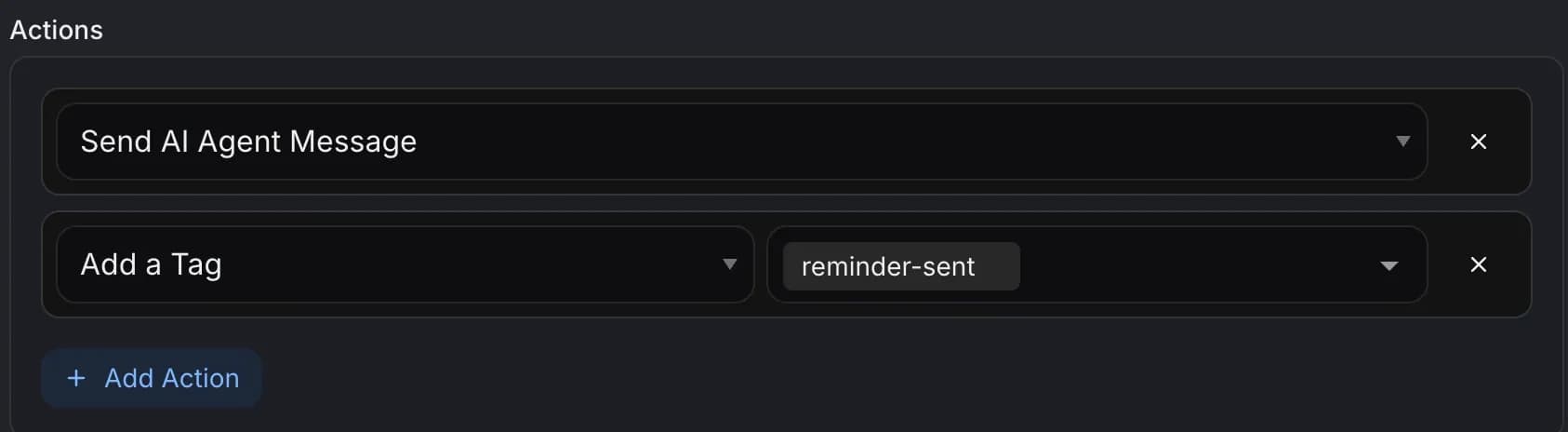
- Activate an AI agent
- Webhook: send
- Create a deal
- Create a task
- Add a tag
- Delay (wait)
A scenario in four steps
From a blank canvas to a working automation — with no developer.
Pick a trigger
The event that starts the scenario: a message, a new lead, a deal-stage change.
Set a condition
A check with “if yes” and “if no” branches — the scenario takes the right path.
Add an action
Activate an AI agent, send a webhook, create a deal, a task or a tag.
Turn it on and watch
Rollout percentage, A/B test and JSON preview — the scenario stays under control.
What you can automate today
Example scenarios for Uzbek business — from Instagram sales to webhooks into external systems.
Instagram sales
A new lead message → the AI agent replies, qualifies and opens a deal.
Inactivity escalation
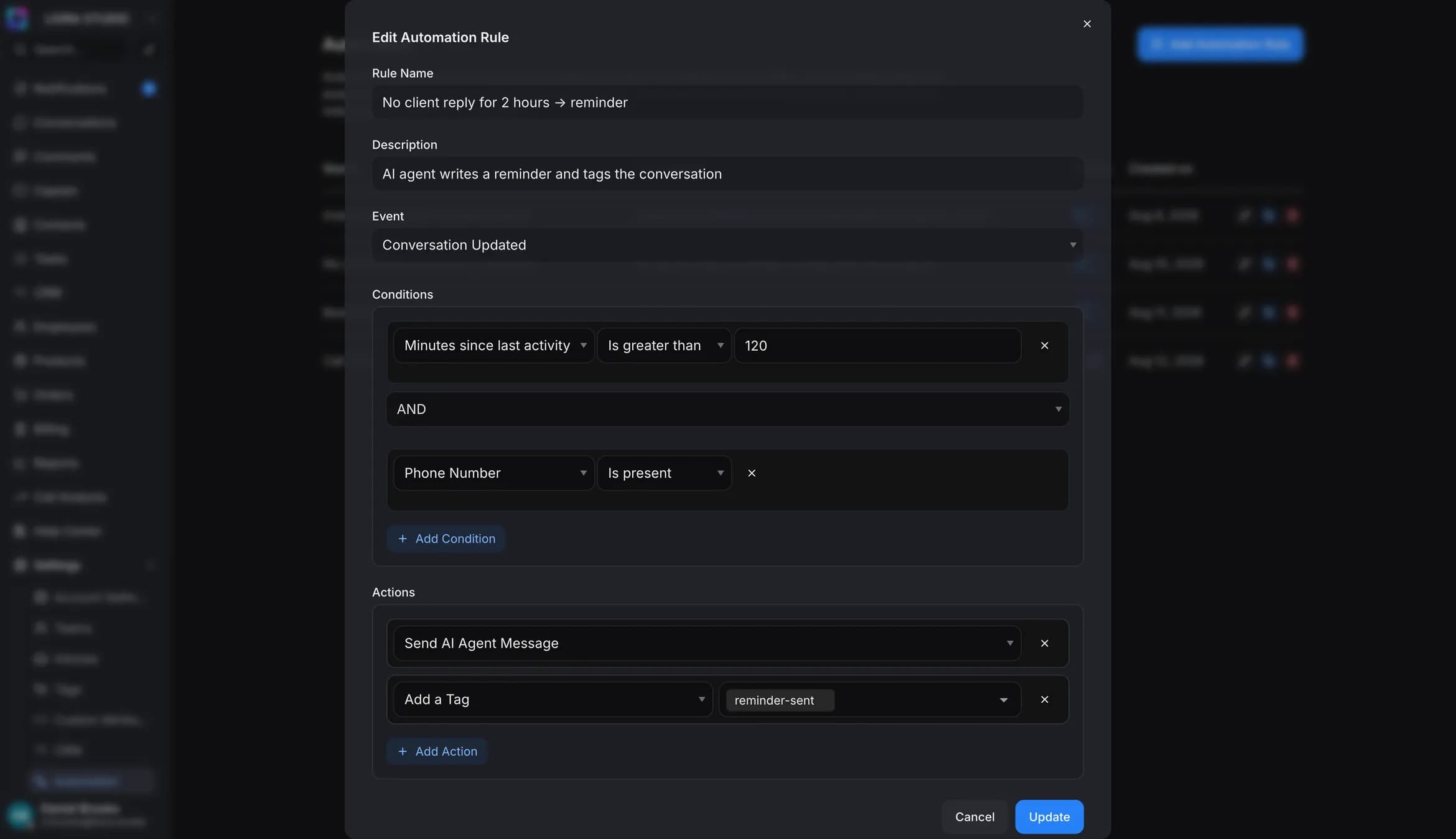
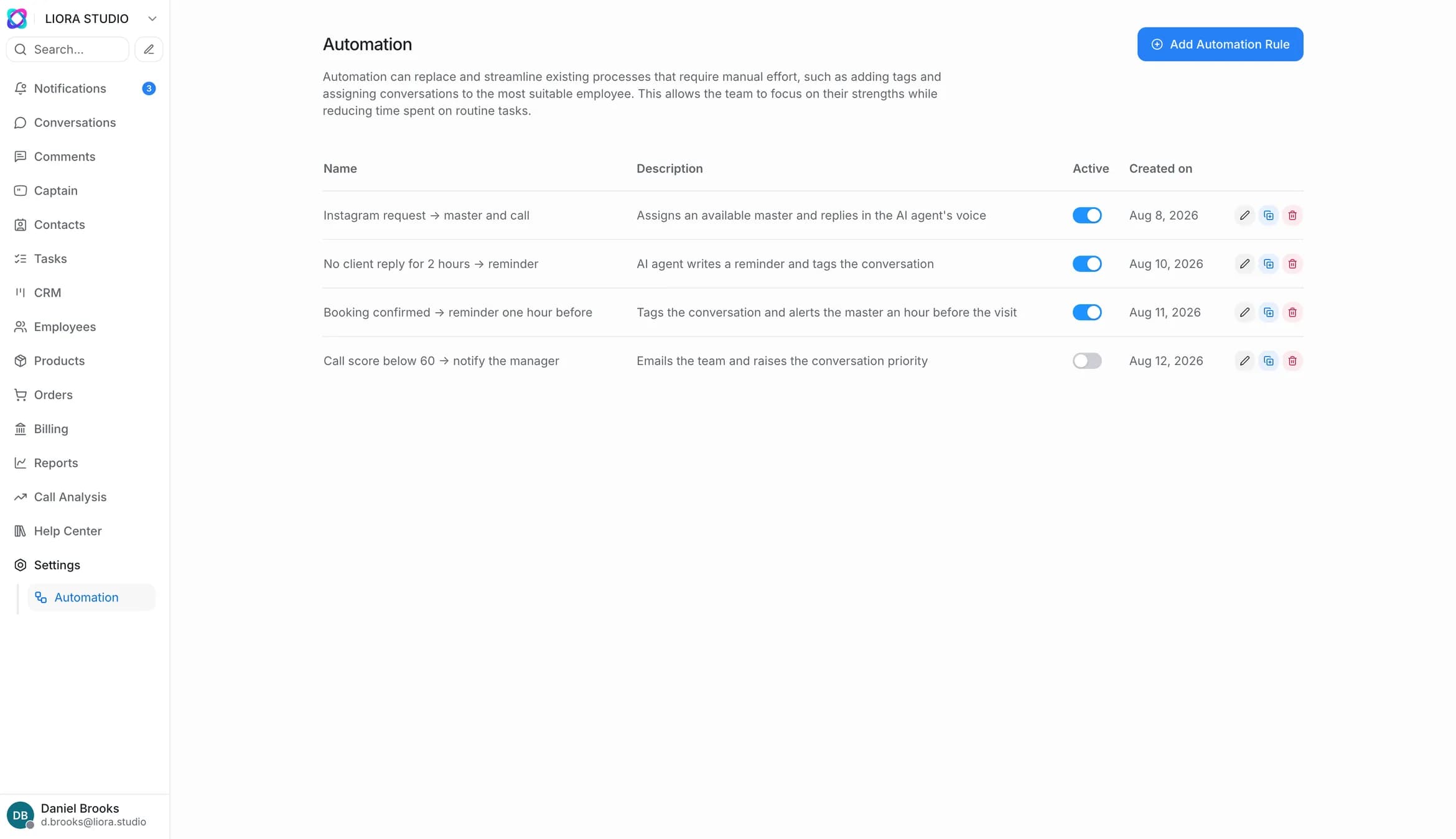
No reply for two hours → a task for the rep and a “hot” tag.
Deal reactivation
A deal “sleeps” for 30 days → the AI agent sends a follow-up on the right channel.
Lead distribution
A new lead → round-robin assignment that accounts for workload.
Tag by source
A lead with an ad UTM → a tag and a move into a separate pipeline.
Webhook to an external system
A deal is won → a webhook to 1C, an ERP or your system.
The difference is scenario freedom
A rigid chatbot and a boxed set of agents limit you to a script. In Zukko you build the scenario yourself.
Frequently asked questions about AI agents for business
What are AI agents for business in Zukko.AI?
Zukko.AI is an AI agent platform for business. An AI agent (AI employee) does more than reply to a customer: it takes action — qualifies the lead, opens a deal in the CRM and writes the follow-up. You choose from six ready-made roles, and how many AI employees work at once depends on the plan: 1 on Start, 3 on Business, by contract on Enterprise. You build scenarios without code in the visual “trigger → condition → action” builder.
How is your own AI agent different from the ready-made ones?
Ready-made roles are templates for a quick start. Your own agent is set up for your processes, and the plan sets how many work at once: 1 on Start, 3 on Business, by contract on Enterprise. Scenarios in the builder have no separate limit, tokens measure their work, and an agent goes in as an action right inside an automation.
Do I need to know how to code?
No. A scenario is assembled with the mouse on the canvas: you pick a trigger, set a condition with “if yes / if no” branches and add actions. No code is needed, while webhooks and an open API, from the Business plan, remain for those who want an integration.
What can I set as an action?
Activate an AI agent, create a deal or a task, add a tag, add a delay, split a scenario into A/B and, from the Business plan, send a webhook. You can automate anything a person can do in the system.
How does an AI agent take part in the automation?
An AI agent is an action inside a scenario. It doesn’t just reply: it performs actions and decides by the condition — for example, it qualifies a lead and takes it down the right branch.
Can the automation connect to external systems?
Yes, from the Business plan. The “Webhook: send” action passes data to external systems — 1C, an ERP or your CRM — and an open API links Zukko to your stack both ways.
How long does setup take?
For small and mid-sized business — from 2 hours, self-service: you take a ready template, adjust it and turn it on. For larger business with integrations — up to 30 days.
Is it suitable for banks and large business?
Yes. Each scenario can be rolled out gradually via a rollout percentage and an A/B test, while the JSON preview and pipeline binding keep the logic transparent. This level of control is enough for CIS banks and large business.
Build your own AI automation
Start from a ready template or a blank canvas — and the first scenario runs today. Live in 2 hours.
The builder is on every plan · live from 2 hours